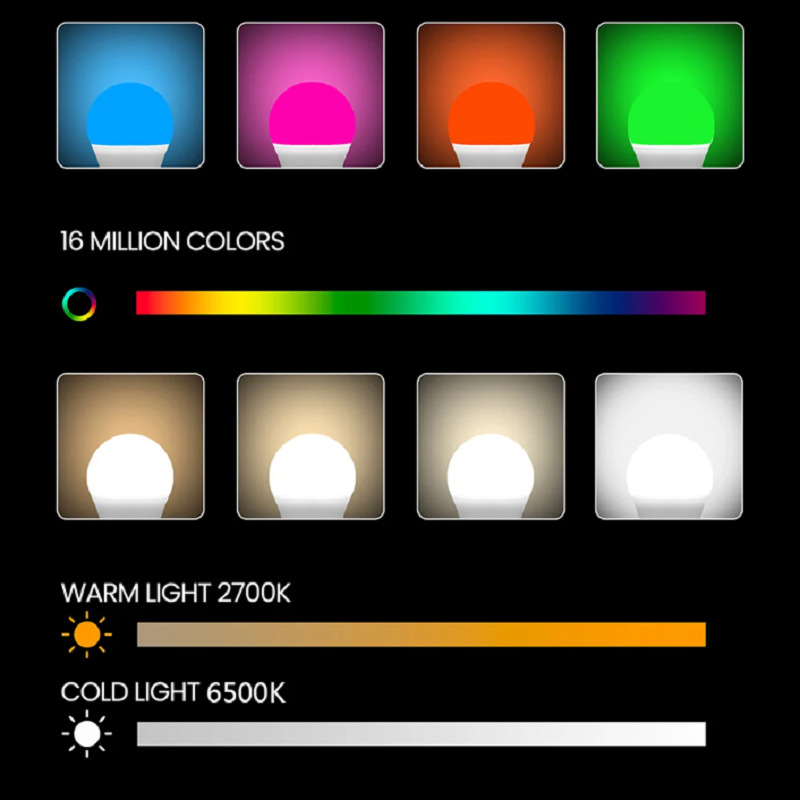
New
Matter A19 Bulb, 10-11 W, sparkleiot
Matter over Wi-Fi in an A19 body. Pairs to HomeKit, Google or Alexa with the code on the box.
$21.99
Min. 5
Lighting is where smart home buyers get burned most often, because almost every bulb claims compatibility and almost none states how it dims. A bulb that jumps from 40% to 45% rather than stepping smoothly will make a room feel cheap, and that behaviour is not visible in a product photo.
The listings here state the protocol on each product: Matter over Thread where the listing says so, Zigbee or Wi-Fi where it does not. That distinction decides what you need before the first bulb works. Thread bulbs pair directly with Apple Home, Alexa or Google given a Thread border router. Zigbee bulbs need a hub. Wi-Fi bulbs need neither, but they occupy your router and depend on the vendor cloud for remote control.
Strips and ceiling fixtures add an install question that bulbs do not: where the power comes from. A plug-in strip is a five-minute job. A ceiling fixture that replaces a switched light needs the wall switch to stay on permanently, which is fine for most people and unacceptable for some.
If you are lighting a whole room, buy one bulb first and live with it for a week. Dimming curve, minimum brightness and colour temperature drift are the three things reviews never capture and the three things you will notice every evening.
Matter over Wi-Fi in an A19 body. Pairs to HomeKit, Google or Alexa with the code on the box.
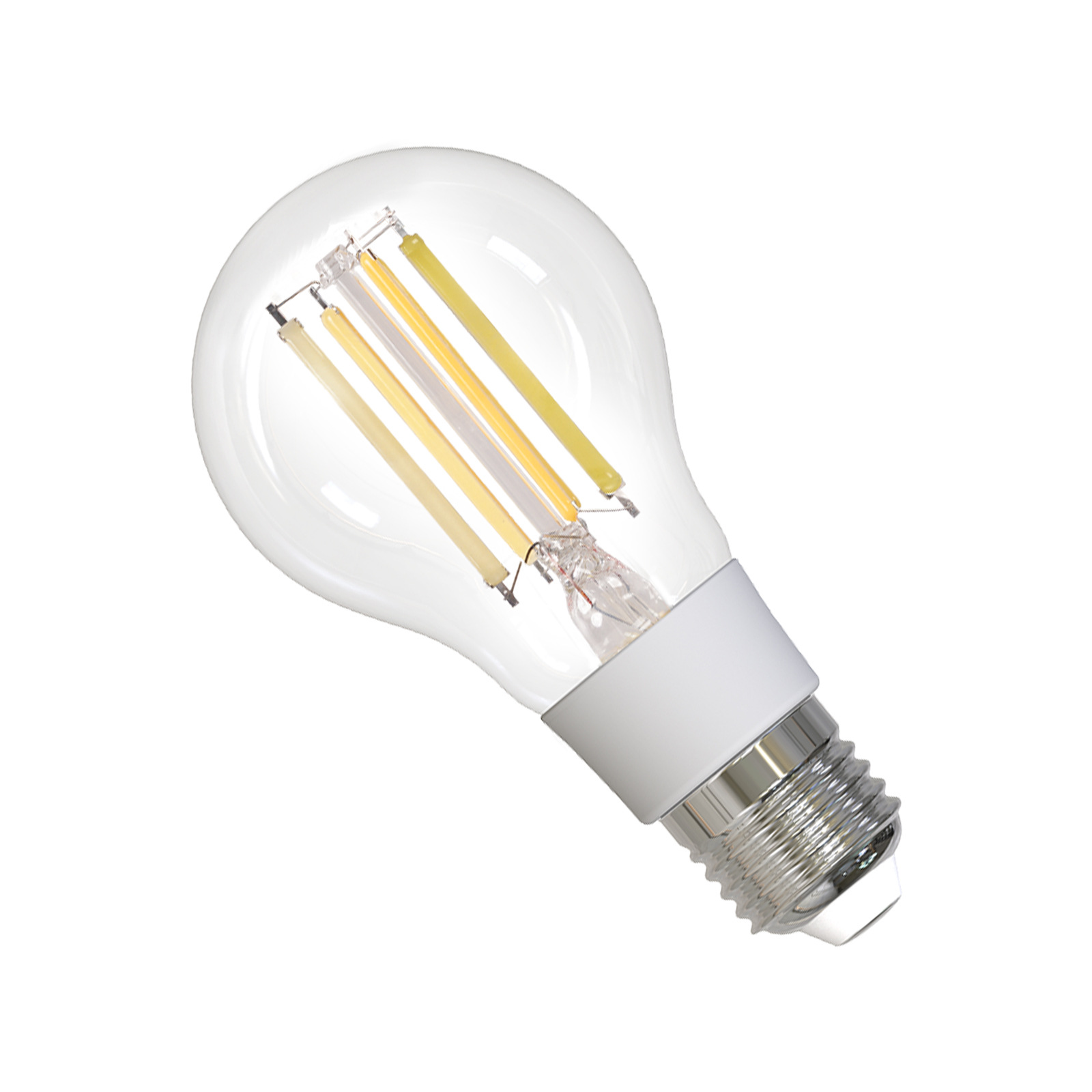
A Matter bulb that pulses with audio. Nine qualification certificates on file with the supplier.
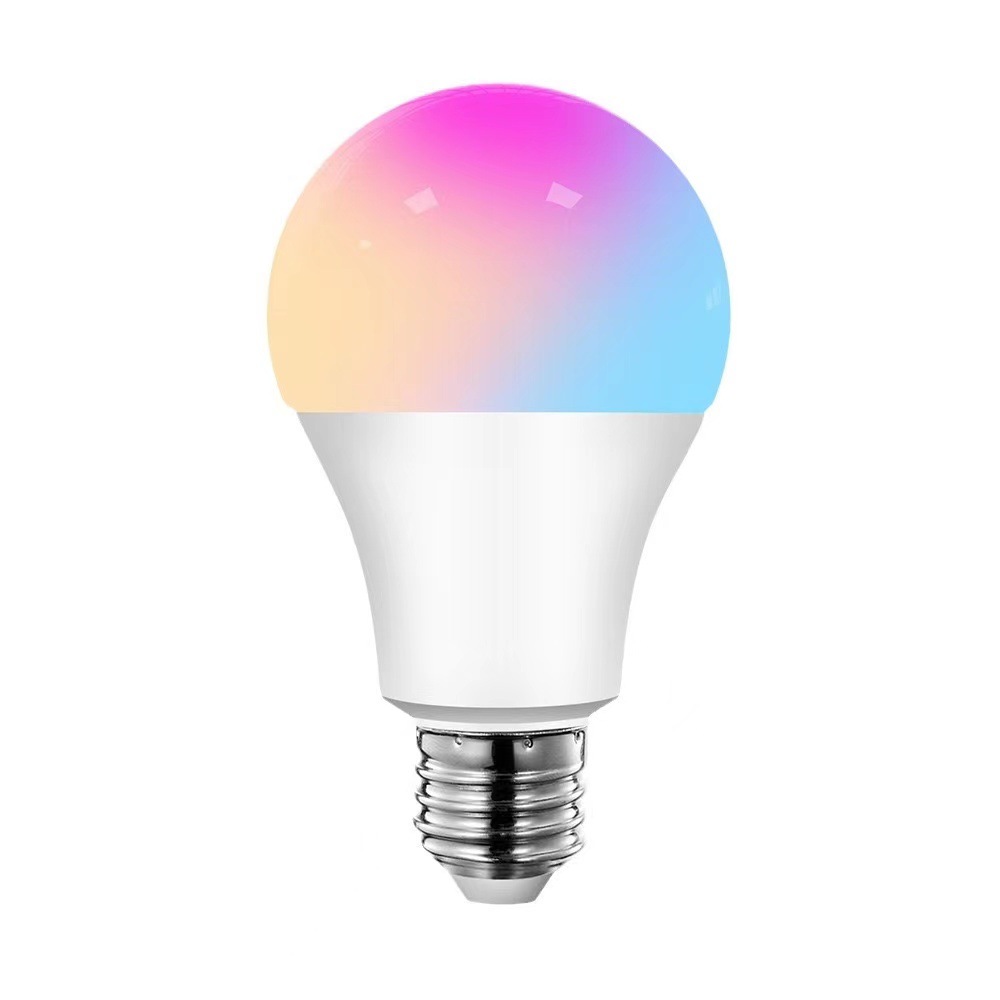
Wi-Fi and Bluetooth in one bulb, 110-130 V variant listed, supplier claims UL.
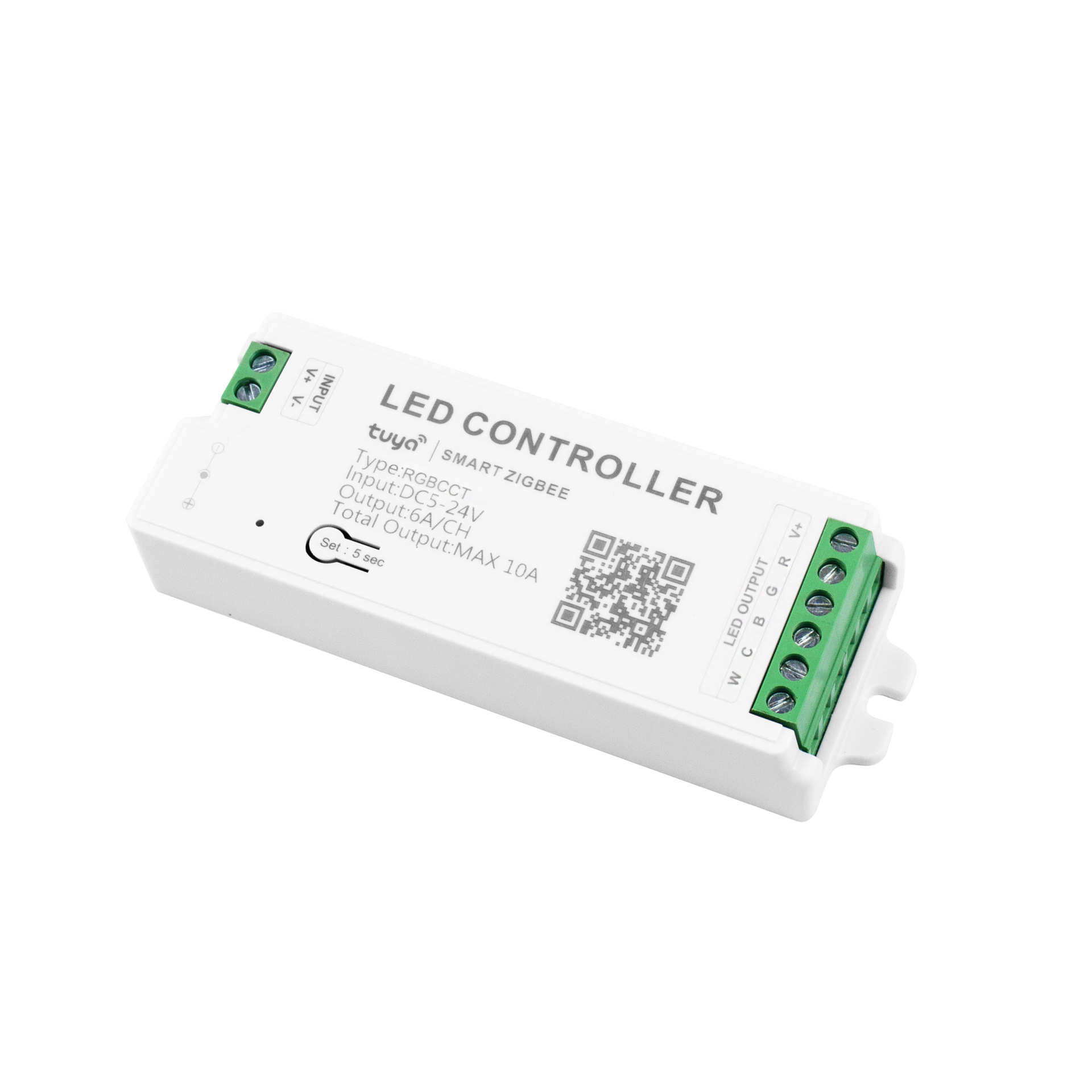
The controller, not the strip. ZigBee 3.0 with a physical reset button on the case.
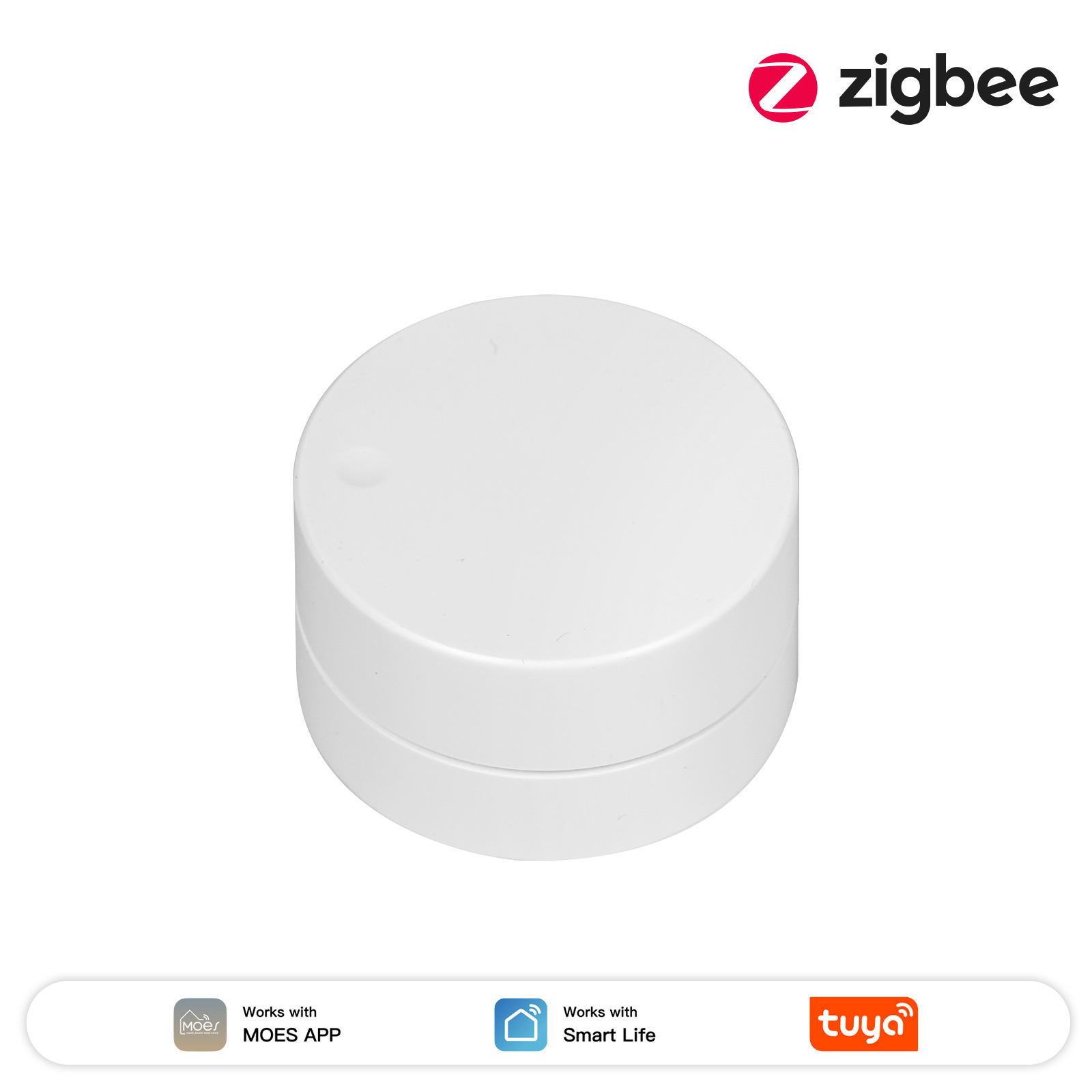
Zigbee 3.0 rotary scene button; gateway required, hub model unverified.
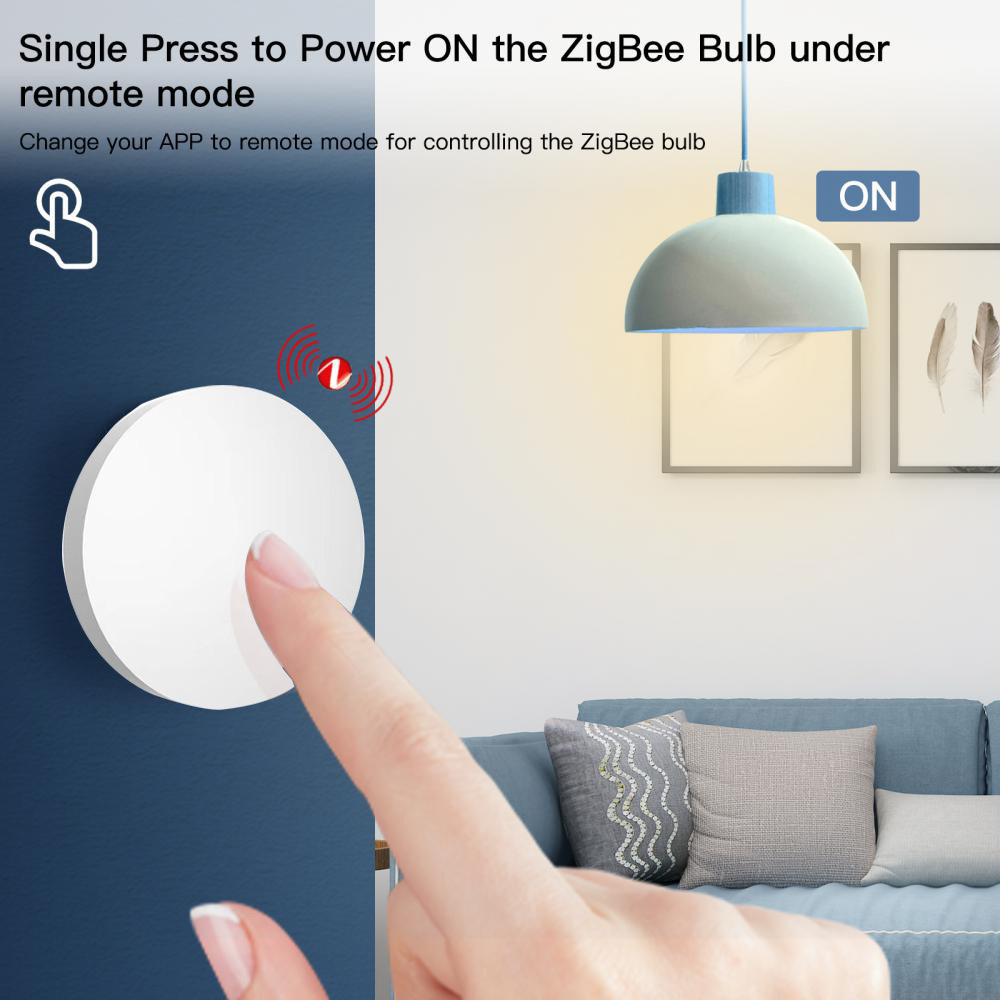
Stick-on Zigbee scene button. No wiring, five colours, one gateway.
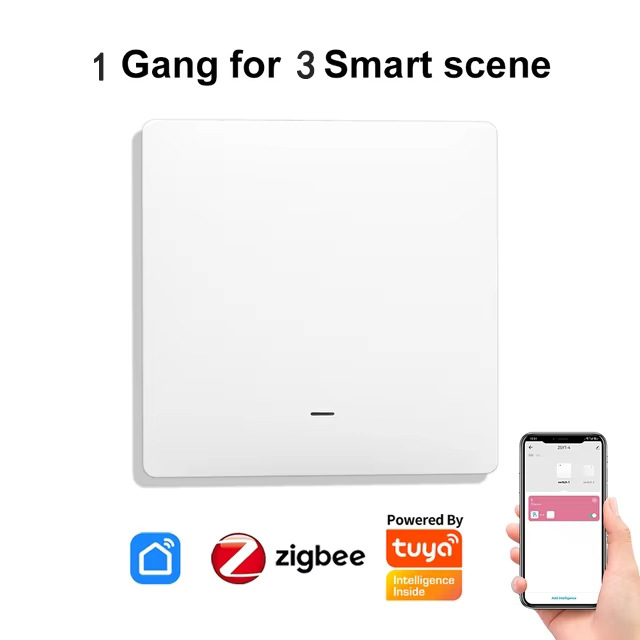
Wire-free Zigbee scene switch with a wall-plate look and one gang per unit.